

Vtiger Module Builder User Guide
Create custom modules easily within 5 minutes using the Vtiger Module Builder User Guide and improve your CRM functionality. Enhancing your Vtiger
How to Install modules, Extension in Vtiger CRM
Install modules in Vtiger CRM with just a few simple steps. Here is the step-by-step guide on how to install
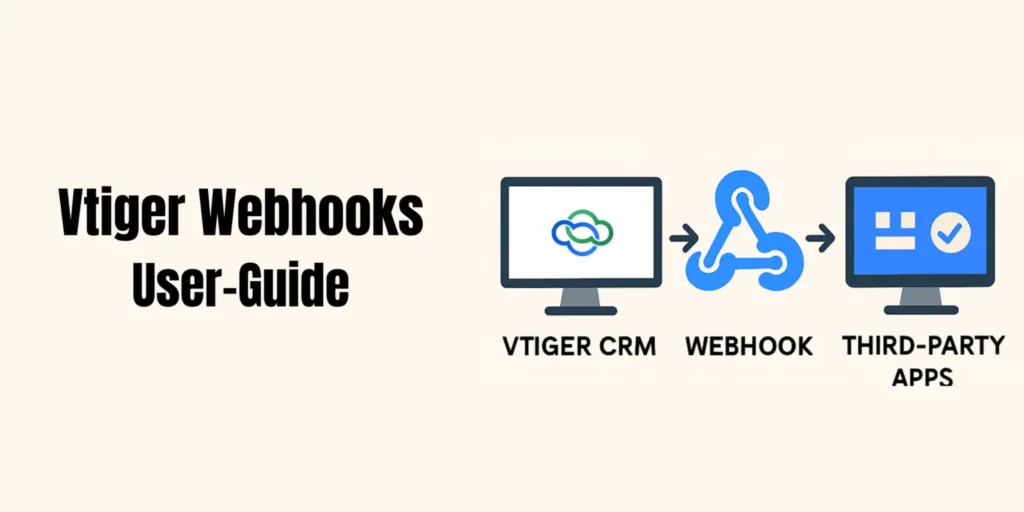
vtiger Webhooks Userguide
Vtiger Webhooks Userguide is designed to help you easily connect your CRM with third-party applications, ensuring automated, real-time data flow
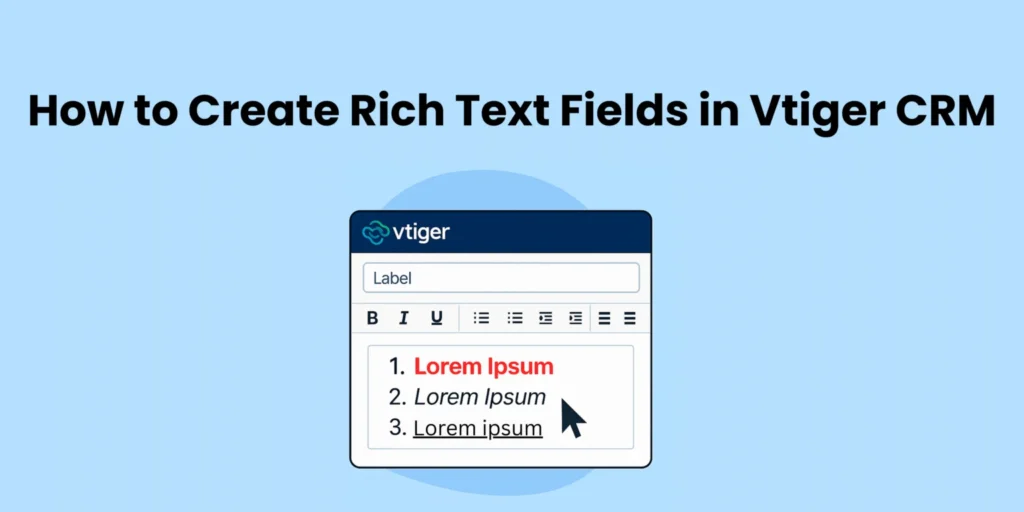
User Guide How to Create Rich Text Fields in Vtiger CRM
Rich text editor allows you to format your vTiger CRM data. The rich text editor gives you 2 options: You can enable rich text
User Guide: Mention Users in Comment
This guide explains how to mention users in comments within Vtiger CRM, using the vtiger mention users in comment extension,
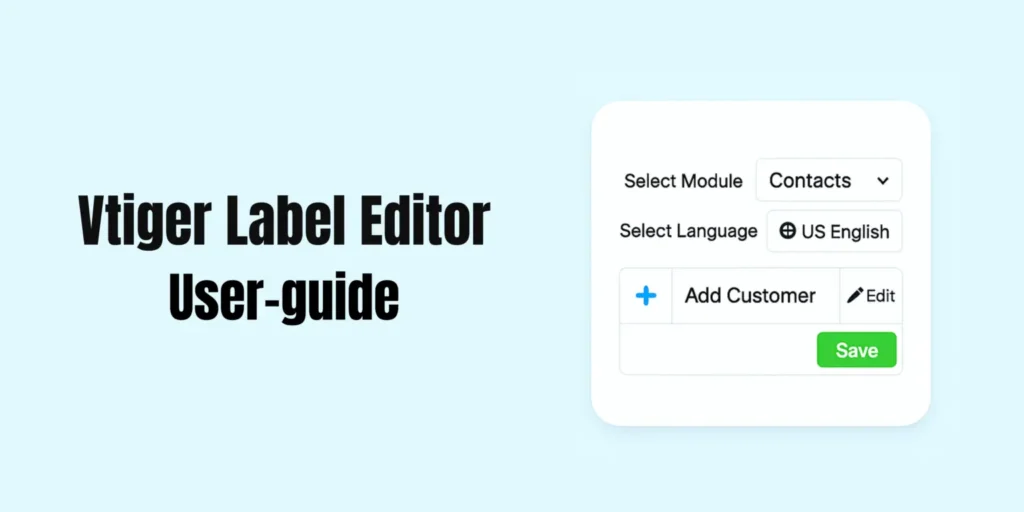
User Guide : Vtiger CRM label editor
The vtiger CRM label editor is a tool that helps you customize the words used in your Vtiger CRM. You can rename
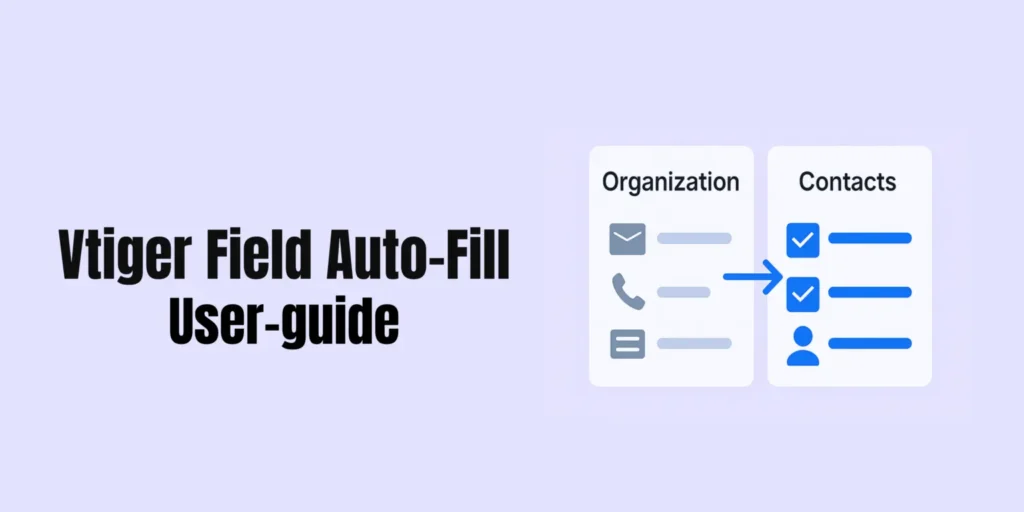
Userguide Field autofill for Vtiger
vtiger field autofill Extension for VTiger is a powerful productivity tool, eliminating the need for repetitive data entry seamlessly by mapping
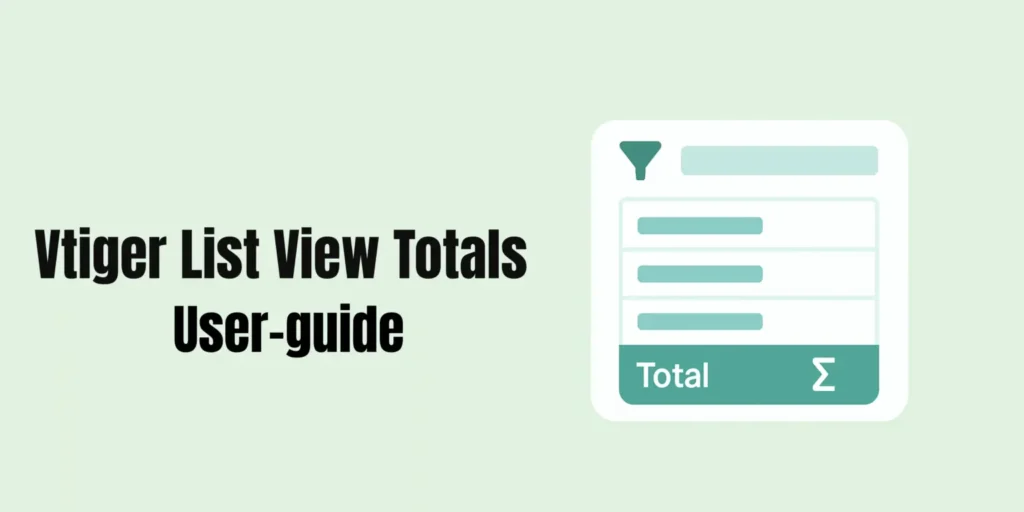
User Guide : Vtiger CRM sum of list view
The List View Total in Vtiger CRM offers benefits that can provide real-time insights by quickly calculating totals for numerical data in
User Guide : Vtiger Global Search
Vtiger CRM Global Search can access information quickly and accurately across all fields in Vtiger CRM, whether it is standard or custom.
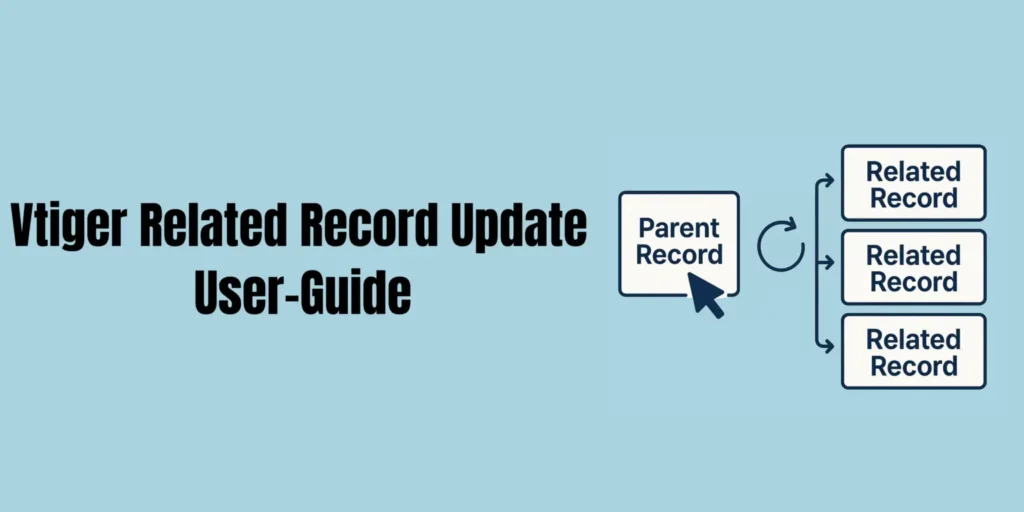
User Guide : Related Record Update for Vtiger
The data consistency across related records is essential for maintaining accuracy in CRM data management. This Related Record Update for VTiger can
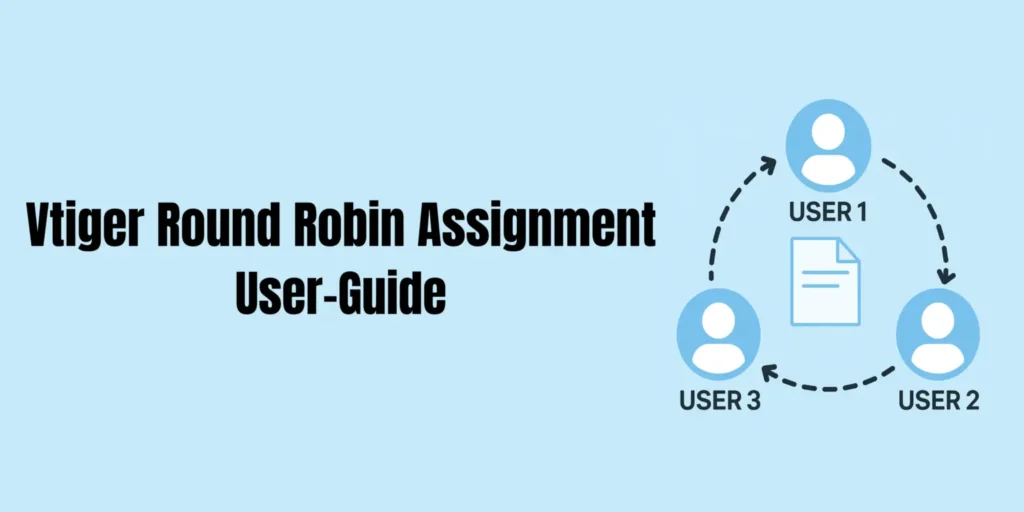
User Guide : Round Robin Assignment in Vtiger CRM
Round Robin Assignment in Vtiger CRM extension is a powerful tool, can automate assignments of CRM records, ensuring new customer inquiries,
User Guide : Vtiger Export to XLS
Excel export for Vtiger is an essential matter for data analysis and reporting. But all the times the users face a
User Guide Vtiger 2fa
vtiger 2 fa is a most effective security, that enhances data security by requiring One-Time-Code for Vtiger CRM access. After the enabling of
Vtiger Relationship builder userguide
This vtiger relationship builder userguide helps you Create Relationships between different modules according to your business-specific needs. By doing this you can connect any
Vtiger Kanban View User Guide
Transform your Vtiger CRM Data into a visual, interactive Kanban view board with Kanban view for vtiger. Follow these simple
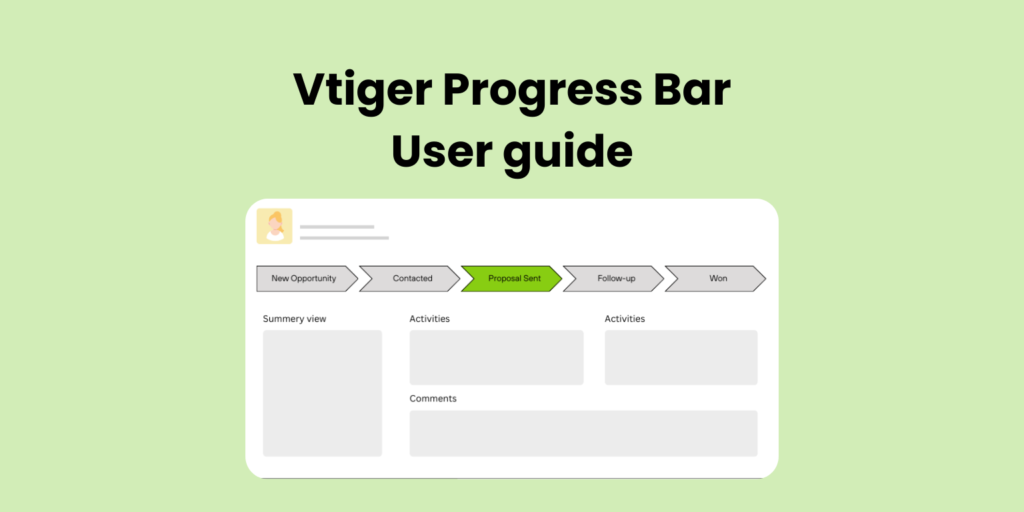
Progress Bar for Vtiger OpenSource | User Guide
Progress Bar for vtiger opensource extension helps your team visually track the status of a record directly inside Vtiger CRM.
