Vtiger CRM Customization Guide | Strategy, Best Practices & Implementation

Introduction

Vtiger CRM customization is the key to transforming your CRM system from a standard tool into a strategic business growth engine. While Vtiger CRM comes with out-of-the-box features, most growing businesses require tailored modules, workflow automation, integrations, and UI improvements to truly maximize efficiency and performance.

In this comprehensive guide, we cover everything from basic configuration to advanced custom module development, provide real-world implementation examples, discuss common mistakes, and explain how professional Vtiger CRM development ensures scalable, upgrade-safe solutions.

Why Vtiger CRM Customization Matters in 2026

Every business operates differently. Out-of-the-box CRM setups cannot account for:

  • Unique sales pipelines

  • Multi-level approval processes

  • Industry-specific data fields

  • Reporting needs

  • Integrations with third-party tools

Without customization, businesses face:

  • Low CRM adoption

  • Manual work overload

  • Inaccurate data

  • Poor pipeline visibility

Customization ensures that Vtiger CRM aligns perfectly with operational processes, reducing friction and improving team productivity.

Key benefits of Vtiger CRM customization:

  1. Increase sales and marketing efficiency

  2. Automate repetitive tasks

  3. Improve data accuracy and reporting

  4. Enhance pipeline visibility

  5. Optimize CRM adoption across teams

Core Areas of Vtiger CRM Customization

1.CRM Configuration Customization

The foundation of CRM alignment starts with configuration. This includes:

  • Custom fields and page layouts

  • Picklist and dropdown modifications

  • Role-based permissions

  • Module visibility settings

  • Record layouts and field positioning

Example: A B2B company may need a custom “Project Status” field in Deals, visible only to project managers. Without proper configuration, this requires manual tracking and increases errors.

2. Custom Module Development

When your workflows exceed standard modules like Leads, Contacts, Deals, and Invoices, custom modules are essential.

Common use cases:

  • Project tracking modules

  • Vendor management systems

  • Service ticket escalations

  • Asset and inventory management

  • Industry compliance tracking

Tools & Strategy:

  • Use Vtiger Module Builder for non-developers

  • Hire professional Vtiger developers for complex modules

  • Ensure upgrade-safe coding to avoid breaking future updates

3. Workflow & Automation Customization

Automation maximizes efficiency by handling repetitive processes.

Examples of advanced workflows:

  • Auto-assign leads based on territory or product line

  • Trigger emails and follow-ups automatically

  • Generate invoices on deal closure

  • Escalate support tickets based on SLA

  • Update multiple modules simultaneously

Advanced automation improves employee productivity, reduces errors, and ensures standardized business processes.

4. UI & Sales Pipeline Optimization

User adoption increases when CRM is visually simple and intuitive.

UI enhancements include:

  • Progress bar for pipeline visibility (perfect for your Vtiger Progress Bar extension)

  • Kanban view customization

  • Dashboard and widget restructuring

  • Simplified record pages

  • Activity timeline optimization

Example: Sales teams can update deal stages in one click using a progress bar, reducing navigation time by 40%.

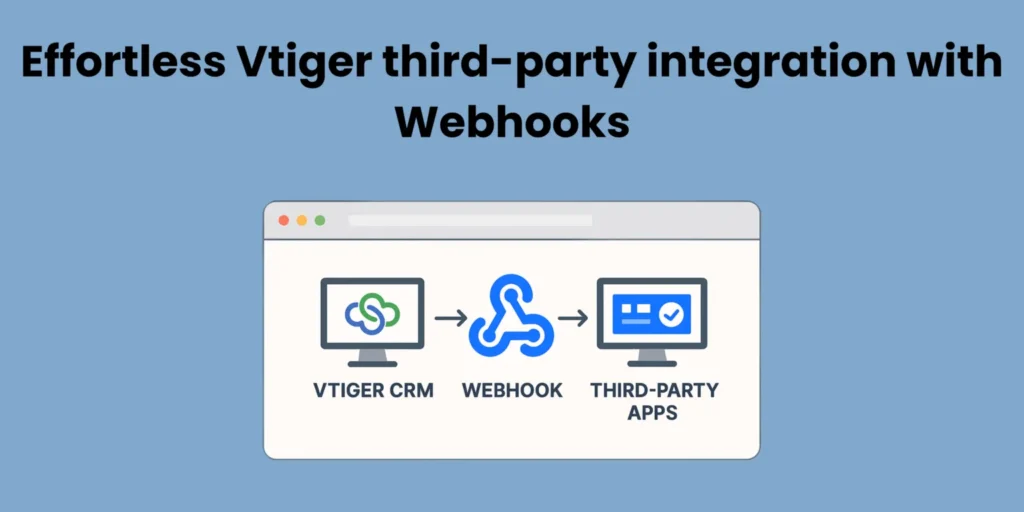
5. Third-Party Integration

Vtiger CRM often needs to connect with external platforms:

  • WooCommerce & eCommerce platforms

  • Accounting & ERP software

  • Payment gateways

  • Marketing automation tools

Best practices:

  • Use API-based secure integration

  • Maintain upgrade compatibility

  • Automate data synchronization

Example: A WooCommerce-Vtiger integration can automatically create Leads from new orders, assigning them to the correct sales rep.

When Do You Need a Vtiger CRM Developer?

Professional development is necessary when:

  • Complex workflows exceed default configurations

  • Advanced automation is required

  • Custom modules need to integrate with multiple systems

  • Performance optimization is critical

  • Upgrade-safe implementation is needed

Risks of DIY customization:

  • Database conflicts

  • Upgrade failures

  • Security vulnerabilities

  • Workflow breakdowns

Vtiger CRM Customization Mistakes to Avoid

  1. Over-customization without planning

  2. Ignoring upgrade compatibility

  3. Poor workflow mapping

  4. Not securing sensitive data

  5. Failing to document changes

  6. Underestimating UI simplicity

Pro Tip: Start small, automate high-value processes first, then expand custom modules.

Vtiger CRM Customization Best Practices

  1. Map business workflows thoroughly

  2. Use modular architecture

  3. Focus on upgrade-safe development

  4. Implement role-based access

  5. Conduct staged testing

  6. Document every change

  7. Train your team for adoption

Following these practices reduces technical debt and ensures long-term CRM success.

Cost & Timeline Considerations

  • Basic configuration – 1–2 weeks, low cost

  • Custom module development – 2–6 weeks, medium cost

  • Advanced automation & integrations – 4–12 weeks, higher cost

Cost depends on the complexity of modules, workflows, and integrations. Professional development reduces hidden expenses from errors and rework.

Why Businesses Choose Joobilant

Joobilant is a specialized Vtiger CRM development company with expertise in:

Unlike general developers, we focus 100% on Vtiger CRM Open Source, ensuring performance, scalability, and upgrade-safe solutions.

Frequently Asked Questions?

Modifying modules, workflows, layouts, and integrations to fit unique business processes.

Basic configuration is possible, but advanced modules and automation require professional development.

Yes, if proper coding and modular design practices are followed.

1–12 weeks depending on the complexity of workflows, modules, and integrations.

Over-customization, ignoring upgrades, poor workflow mapping, security lapses, and lack of documentation.

Joobilant specializes exclusively in Vtiger CRM development with proven experience, upgrade-safe practices, and scalable solutions.

Final Thoughts

Vtiger CRM customization is not optional for growing businesses — it is essential for operational efficiency, automation, and scalability. Proper planning, workflow mapping, and professional development ensure a secure, upgrade-safe, and performance-optimized CRM.

For serious business growth, partnering with a dedicated Vtiger CRM development company like Joobilant ensures your CRM aligns perfectly with operational requirements and drives measurable results.

Recommended Plugin

Vtiger Module builder + Relationship builder

Create custom Vtiger modules tailored to your business workflows. Build upgrade-safe, scalable structures without complex coding.

Table of Contents

Explore More Vtiger CRM Guides!

Facing Challenges in Vtiger CRM ?

Fix problems and enhance your CRM with the right extensions.

Shopping Cart
Scroll to Top

Lets talk about your Vtiger Needs!

Let's have a chat

We respect your privacy — your details will only be used to respond to your inquiry.

Get in Touch with Our CRM Experts!

Let's have a chat

Lets talk about your Vtiger Needs!

Let's have a chat