
Vtiger Guides

Gmail as The Outgoing Server in Vtiger CRM 6

How to Create Custom Modules in Vtiger CRM Without Coding

In the world of CRM, every business is unique. You may need to create custom modules in vtiger crm tailored to your specific process — for example, a Properties module for a real estate business — that the standard Vtiger modules don’t support. That’s where custom modules in Vtiger CRM come in.However, creating custom modules […]

How to Create Custom Modules in Vtiger CRM Without Coding Read More »
Effortless Document Management With Vtiger CRM Drag and Drop Feature—Vtiger CRM Guide by Joobilant

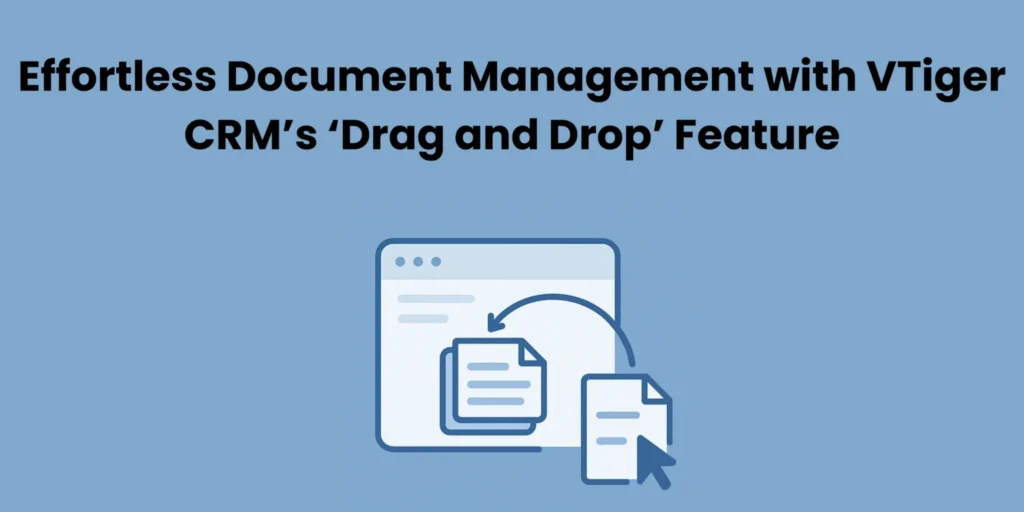
Effortless Document Management with Vtiger CRM’s ‘Drag and Drop’ Feature

In Vtiger CRM, managing documents is a time-consuming task, and we want to simplify the process to save time and effort. Using Drag and Drop in Vtiger CRM, the file management just became effortless. This simplifies uploading and organizing of documents in Vtiger CRM, makes the process faster, more efficient, and easy to use. What

Effortless Document Management with Vtiger CRM’s ‘Drag and Drop’ Feature Read More »

Vtiger CRM Open Source Installation in Linux Ubuntu - Vtiger CRM Guide by Joobilant

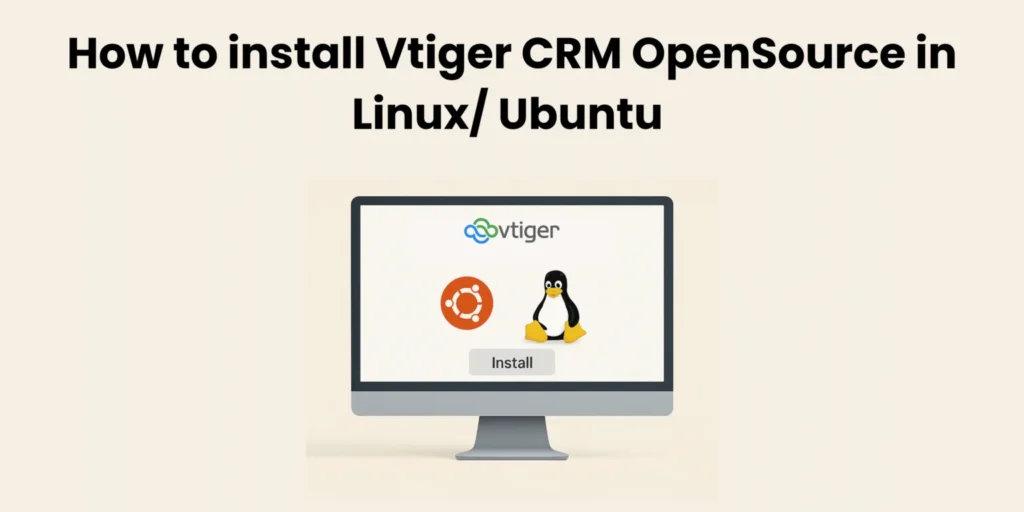
How to install Vtiger CRM OpenSource in Linux/ Ubuntu 

In this guide, you’ll walk through every step to install Vtiger CRM OpenSource — from downloading the correct package to configuring your server environment and completing the setup wizard. Deploying a powerful CRM solution like Vtiger Open Source on Ubuntu can transform how your organization handles leads, workflows, and customer relationships but only if it’s

How to install Vtiger CRM OpenSource in Linux/ Ubuntu  Read More »

How to Prevent Emails From Going to Spam in Vtiger CRM—Vtiger CRM Guide by Joobilant

How to Prevent Emails from Going to Spam in Vtiger CRM; Ensure High Email Deliverability

Email is one of the most powerful tools for communicating with your customers within Vtiger CRM. It enables you to follow up on leads, Customer engagement, sales support, service updates, etc. But what benefits will we get when these important emails are sent to the spam folders?  How can we send emails from vtiger crm without leaving

How to Prevent Emails from Going to Spam in Vtiger CRM; Ensure High Email Deliverability Read More »

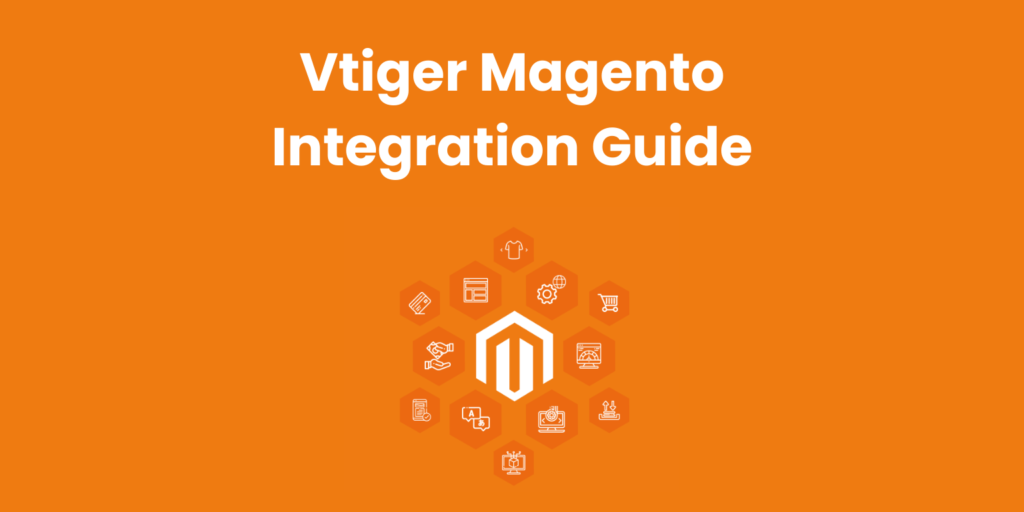
vtiger magento integration user guide image

Vtiger Open Source – Magento Integration Guide

Integrating Vtiger CRM Open Source with Magento allows businesses to connect their eCommerce operations with sales, marketing, and customer management processes in one unified system. If you run a Magento store and manage customers in Vtiger Open Source, this guide will give you a complete technical and strategic understanding of how integration works — and

Vtiger Open Source – Magento Integration Guide Read More »

Enhance Your Commenting Experience With Vtiger Mention Users in Comment - Vtiger CRM Guide by Joobilant

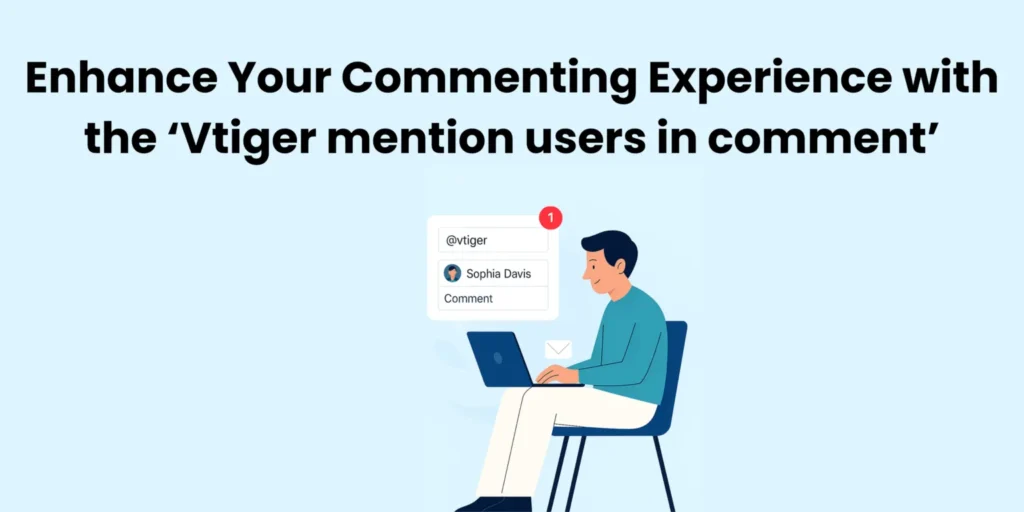
Enhance Your Commenting Experience with the ‘Vtiger mention users in comment’

The “Vtiger mention users in comment” extension is a great tool in online communication to make communication easier and more effective. It is very helpful to get a quick response. It allows people to tag or mention people to each other using the symbol “@”. So you can ensure that all important messages are directly

Enhance Your Commenting Experience with the ‘Vtiger mention users in comment’ Read More »

Customize Labels with Vtiger CRM—Vtiger CRM Guide by Joobilant

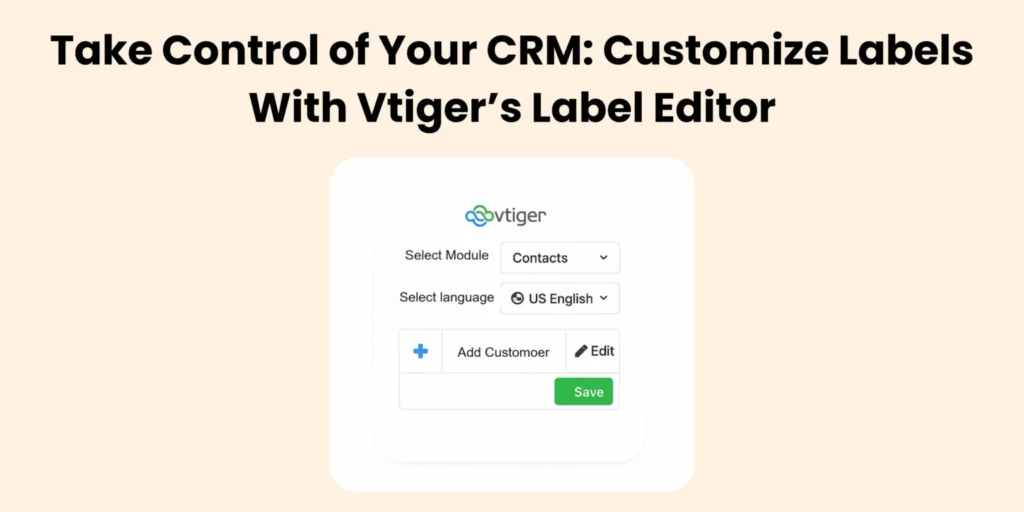
Take Control of Your CRM: Customize Labels with Vtiger’s Label Editor

Vtiger CRM is a powerful tool for managing your business, but sometimes the default labels and names don’t match how your team works. The Label Editor solves this problem by letting you easily change labels, menus, buttons, and more. In Label Editor, You have multiple language options to make the CRM accessible to everyone, no matter where

Take Control of Your CRM: Customize Labels with Vtiger’s Label Editor Read More »

Shopping Cart
Scroll to Top

Lets talk about your Vtiger Needs!

Let's have a chat

We respect your privacy — your details will only be used to respond to your inquiry.

Get in Touch with Our CRM Experts!

Let's have a chat

Lets talk about your Vtiger Needs!

Let's have a chat