Why Vtiger Magento Integration Matters in your business?
Magento handles:
Online store operations
Product catalog
Orders
Checkout
Payments
Vtiger handles:
Leads & Contacts
Sales pipeline
Invoices
Customer lifecycle
Support tickets
Marketing automation
Without integration:
Customer data becomes fragmented
Sales teams lack real-time order insights
Manual data entry increases errors
Reporting becomes unreliable
Integration solves this.
What Data Can Be Synced?
A properly built integration supports:
Customer Data
Orders
Products
Optional Advanced Sync
Inventory updates
Shipment tracking
Abandoned cart data
Support ticket creation
Architecture Overview
There are three common integration approaches:
1.Direct API Integration (Recommended for Small Stores)
Uses:
Magento REST API
Vtiger Web Services API
Flow:
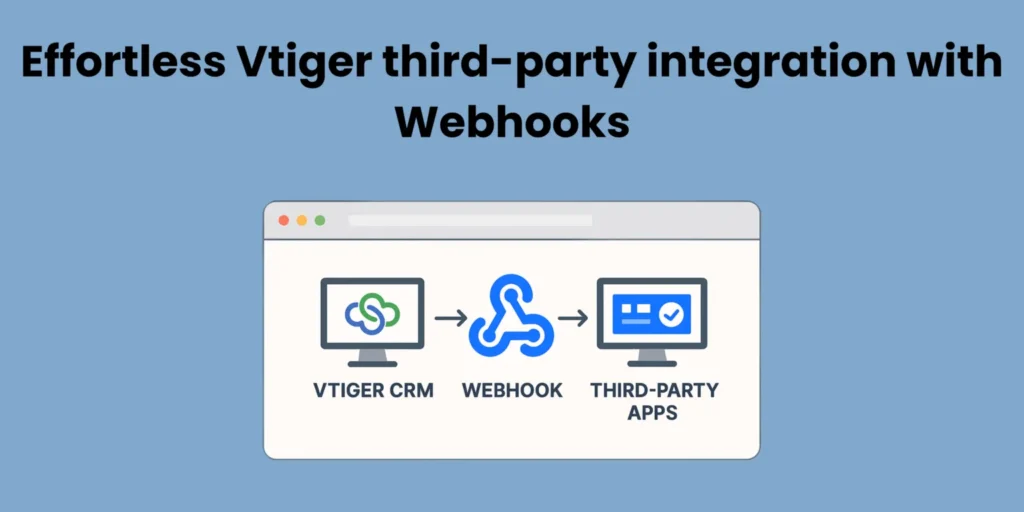
Magento → API → Vtiger
Best for:
2. Middleware-Based Integration (Recommended for Scaling Stores)
Architecture:
Magento → Middleware → Vtiger
Benefits:
Better error handling
Queue processing
Logging system
Retry mechanisms
Scalability
Best for:
- High order volume
- Multi-store setups
- Enterprise workflows
3. Scheduled Cron-Based Sync
Best for:
Businesses that don’t need real-time sync
Step-by-Step Technical Setup
Step 1: Enable Magento REST API
- Create Integration in Magento Admin
- Generate Access Token
- Assign API permissions (Orders, Customers, Products)
Step 2: Enable Vtiger Web Services
- Activate Web Services module
- Generate access key
Confirm API endpoint:
https://yourdomain.com/webservice.php
Step 3: Authentication
Magento:
- Bearer Token authentication
Vtiger:
- Username + Access Key authentication
Ensure:
- HTTPS enabled
- Secure token storage
- Restricted API roles
Step 4: Field Mapping
Map:
Proper field mapping prevents duplication and data mismatch.
Step 5: Order → Sales Order Logic
When a new order is placed:
- Check if Contact exists
- If not → create Contact
- Create Sales Order
- Associate Product
- Generate Invoice (optional)
- Trigger workflow automation
Automation Possibilities
After integration, you can:
- Automatically assign orders to sales reps
- Send follow-up emails
- Create support tickets
- Trigger upsell workflows
- Generate performance dashboards
This transforms CRM from a database into an automation engine.
Security Best Practices
A professional integration must include:
- HTTPS only
- Token-based authentication
- Role-based API restrictions
- Input validation
- Error logging
- API rate limiting
Security mistakes can expose cus—neverta — never skip this
Common Integration Challenges
Duplicate Contacts
Solution: Use email as unique identifier.
Product Mapping Errors
Solution: Sync SKU first before order import.
Performance Slowdowns
Solution: Use queue-based middleware.
API Limits
Solution: Batch processing.
Performance Optimization Tips
- Use incremental sync
- Index Vtiger database
- Use server-side caching
- Monitor cron execution
- Log failures
Integration must be stable under load.
Time & Cost Estimation
Basic Integration:
3–5 days
Advanced Automation:
1–3 weeks
Enterprise Architecture:
Depends on business complexity.
When Should You Use Middleware?
Use middleware if:
- You process 500+ orders daily
- You need two-way sync
- You operate multiple Magento stores
- You require failover protection
Middleware makes integration future-proof.
Is There a Ready-Made Plugin?
For Vtiger CRM Open Source, there is no official native Magento plugin.
Custom development is required for:
- Stability
- Security
- Custom workflows
- Performance tuning
Why Professional Implementation Matters
Poor integration can cause:
- Data corruption
- Lost orders
- CRM crashes
- Reporting errors
- Security vulnerabilities
Professional architecture ensures:
✔ Clean database structure
✔ Scalable code
✔ Maintainable integration
✔ Business-aligned automation
Why Choose Joobilant for Vtiger Magento Integration?
As a specialized Vtiger CRM development company, Joobilant offers:
We don’t just connect systems — we build scalable CRM ecosystems.
Final Thoughts
Integrating Magento with Vtiger CRM Open Source transforms disconnected systems into a unified revenue engine.
When implemented correctly, integration provides:
- Real-time visibility
- Automated workflows
- Clean customer data
- Faster sales processing
- Better reporting
If you are planning a reliable and scalable Magento Vtiger integration,or any professional vtiger integration professional architecture is the key to long-term success.